




.webp)








Key Features
Clock In with a Photo
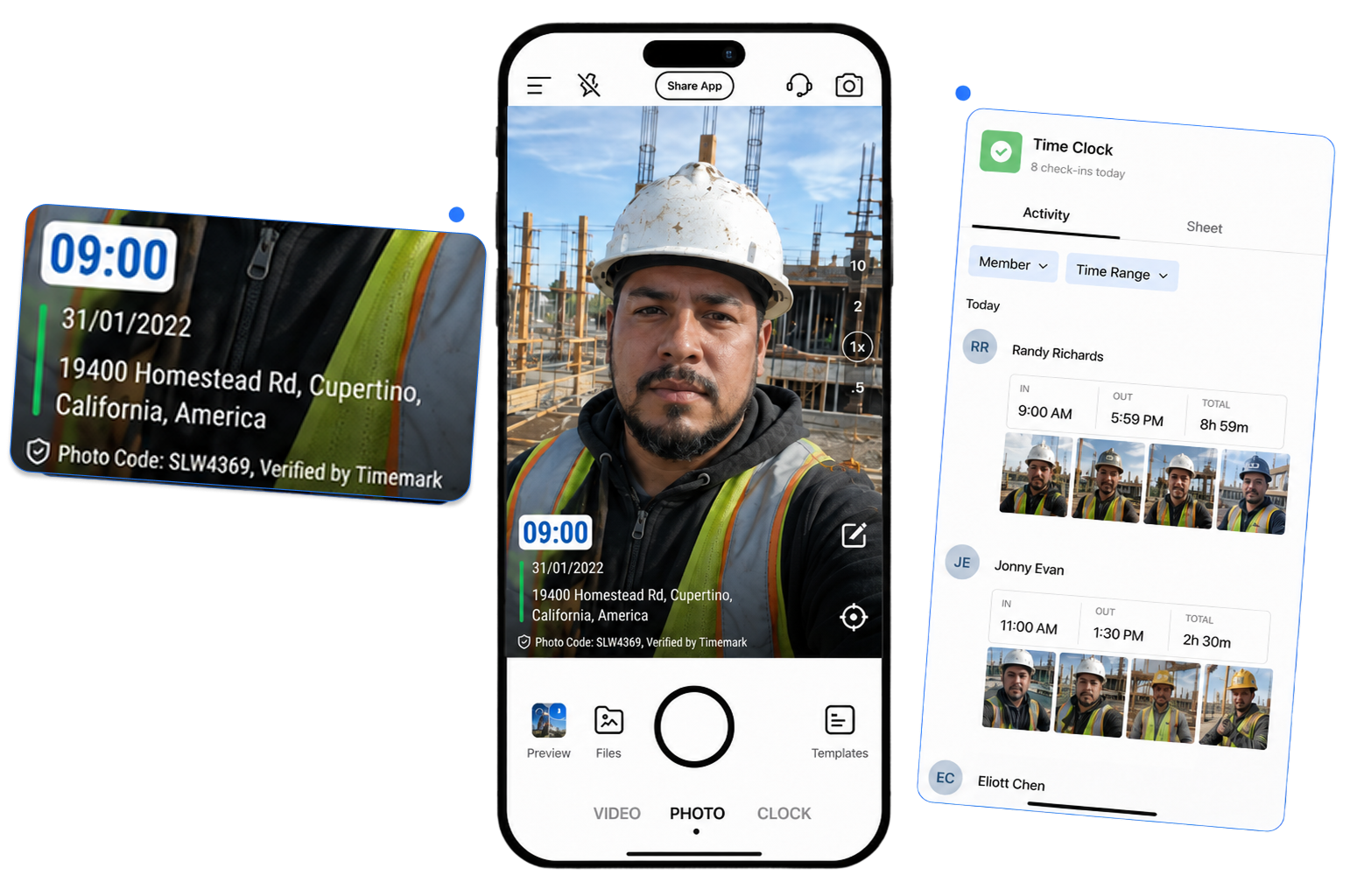
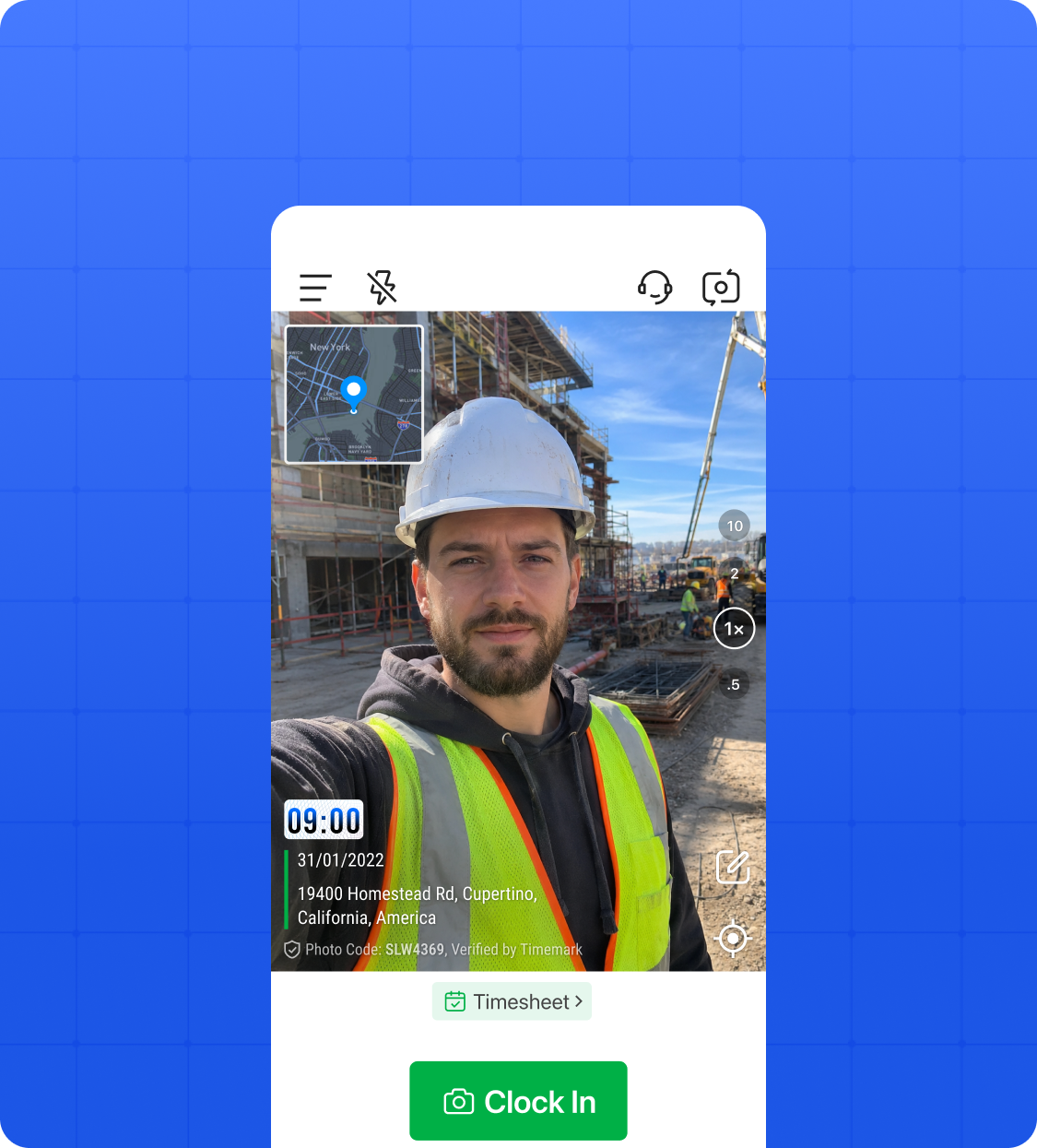
• Photo Proof at Clock In: Workers snap a photo when they start the job. Time and location are captured right then and there, no extra steps needed.
• One Tap to Log a Break: Workers tap to start and end their break right in the app. No paper, no manual notes, nothing to remember after the fact.
• Locked at Clock In: The moment a worker clocks in, the time and GPS location are locked. Nobody can go back and change them.
See Your Whole Team in One Place
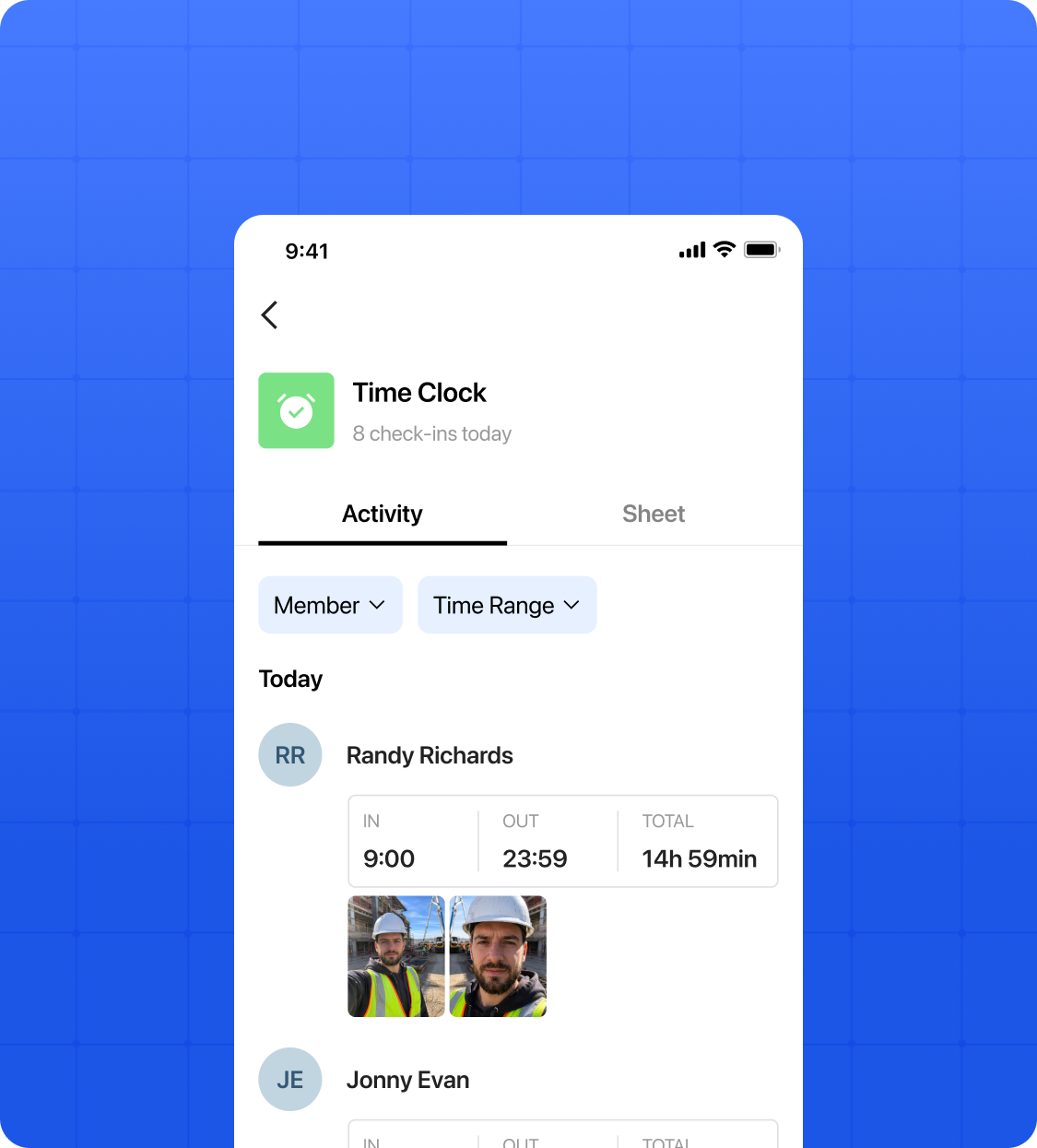
• Live View of Who Is Clocked In: Every clock in is saved automatically to Teamspace so you always have a clear record of who started work, when, and from what location.
• Hours at a Glance: Check how many hours each person has logged for the day or the week without digging through any records.
• Manage from Anywhere: Whether you are on site or in the office, you always know what your team is doing and where they are.
Timesheets That Build Themselves
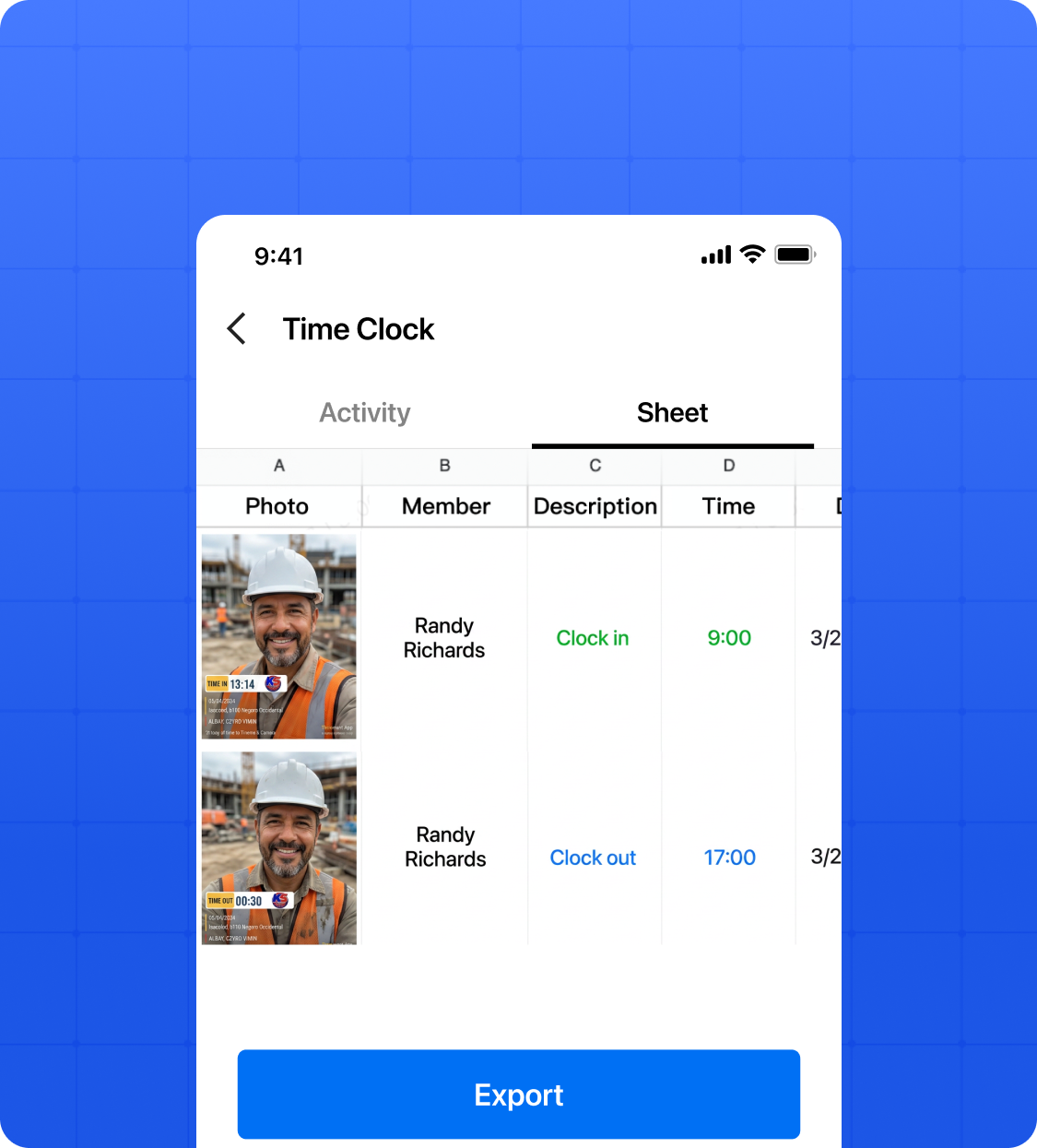
• No Manual Entry: Every clock in, clock out, and break gets pulled into a clean timesheet automatically. You do not have to touch a thing.
• Ready for Payroll: Hours are totaled and organized by worker and by day so payroll is straightforward every time.
• Easier Cost Calculations: Accurate hours mean accurate labor costs. No guessing, no back of the envelope math.



.svg)