.png)

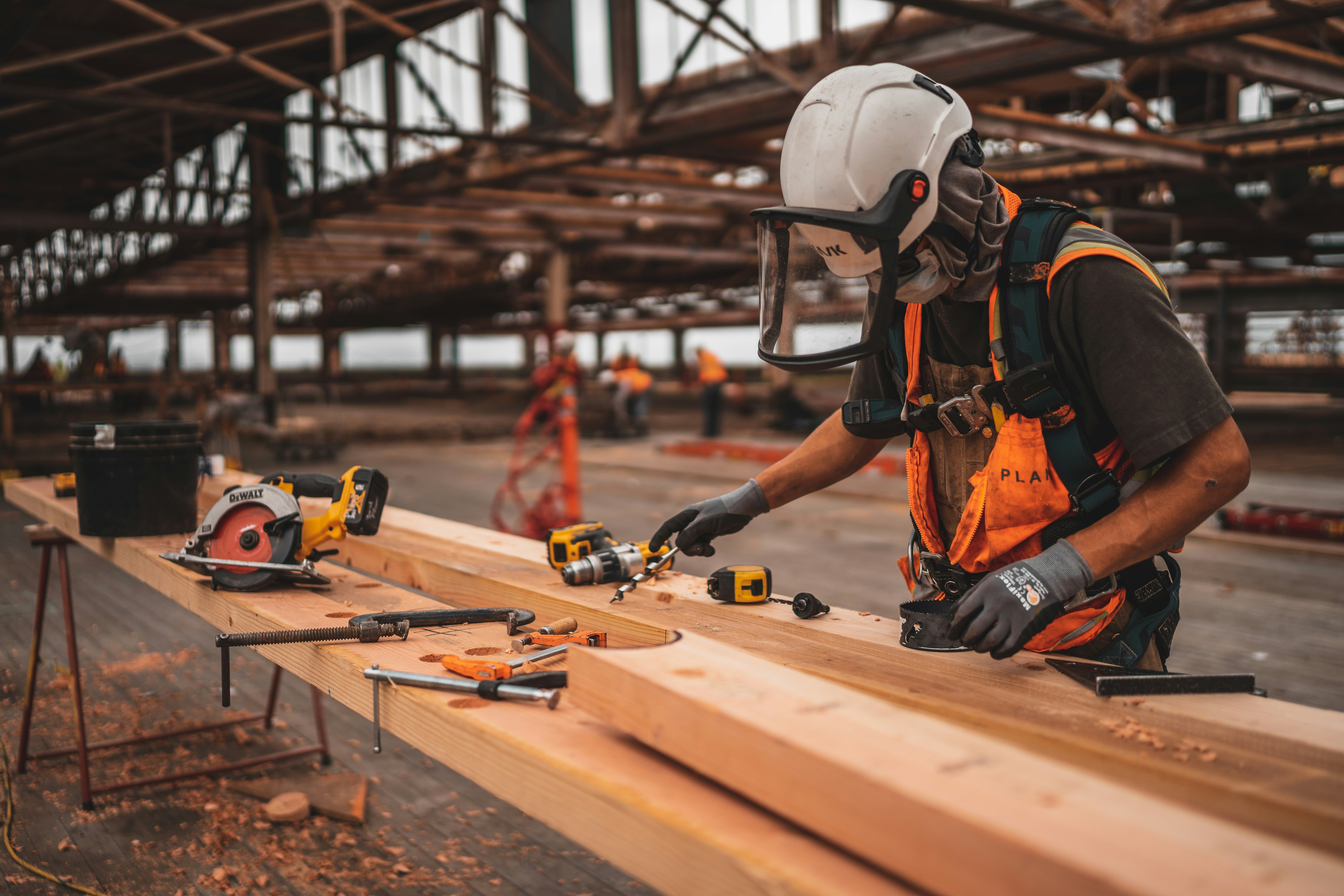
Building things on a construction site can be messy. Sometimes photos get lost, and the time on the photos can be wrong. Working with the team can also be slow. Many teams think CompanyCam is too expensive, so they look for other tools that are easier and cheaper to use.
You might lose a photo that is very important. You might not know who changed something last. These problems waste time and can make the project cost more money. Bad record-keeping makes work stressful and can make the project slower.
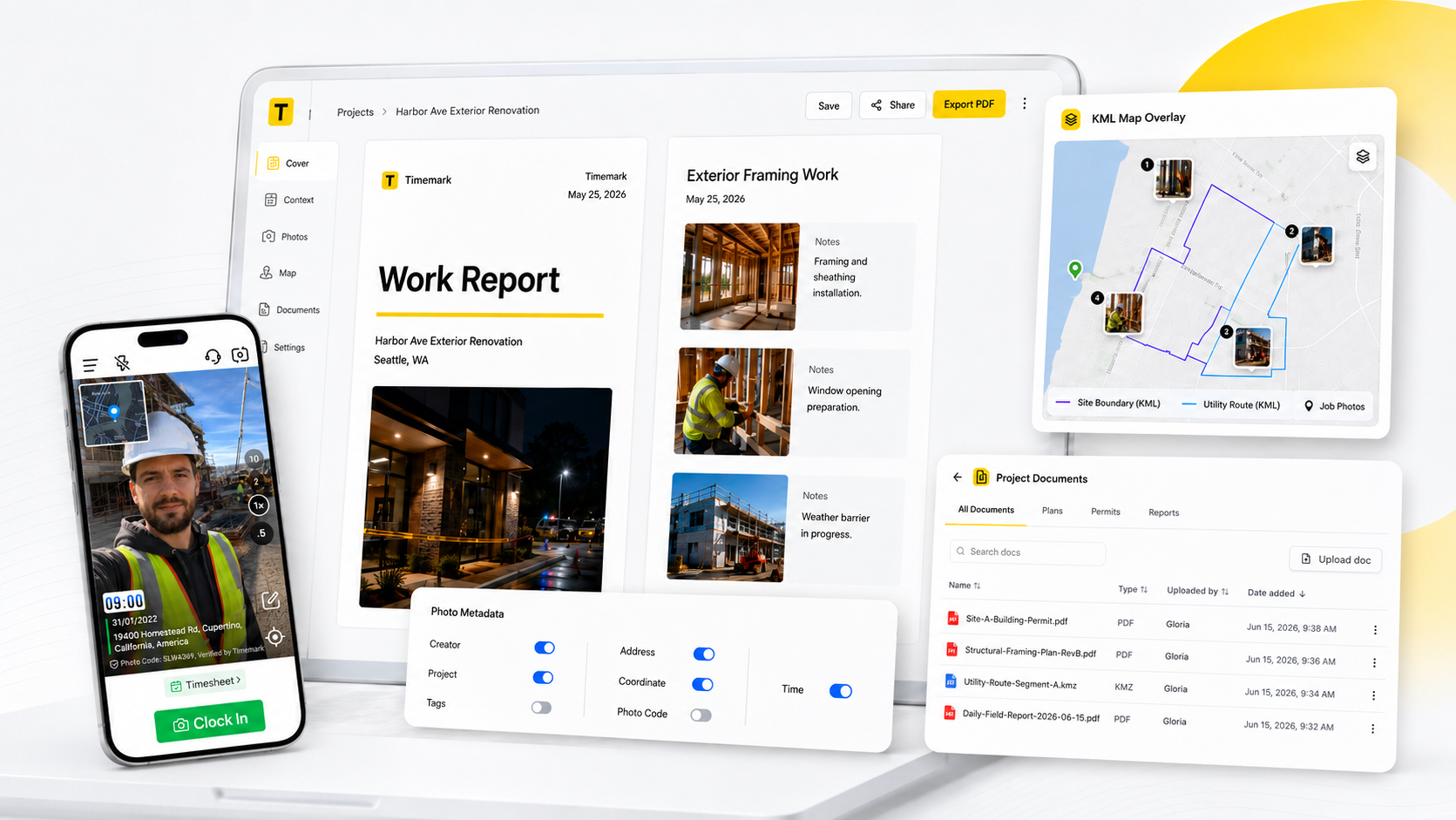
Timemark fixes these problems. It adds time and place to photos automatically. It also makes it easy for the team to work together. In this article, we will show 5 tools that are like CompanyCam. You will see why Timemark is a top choice for teams who want to work fast and keep things correct.
CompanyCam is a tool that helps workers take and share photos on a jobsite. It lets teams capture, organize, and share pictures during a project. Many people in construction and field services use it. It is also common in roofing, landscaping, and restoration work. These jobs need clear and accurate photos. Over the years, CompanyCam has become a popular choice. Teams use it to make jobsite photos easier to manage. It also helps the field and the office stay connected.
Here are the main features of CompanyCam. We studied these features. We looked at how teams use the platform.
CompanyCam’s main feature is its photo system. Users can take pictures on the job. The app automatically tags and organizes them by project and location. This helps teams keep a clear record. They do not need to sort files by hand.
There is a central project feed that works like a timeline. Field workers, managers, and office staff can stay on the same page. Photos, notes, comments, and updates show up right away. Everyone can see what is happening on the jobsite in real time.
CompanyCam lets users make simple reports with chosen photos. These reports can be shared with clients or kept for internal use. They are helpful for before-and-after comparisons. They also show project progress and prove the work that was done.
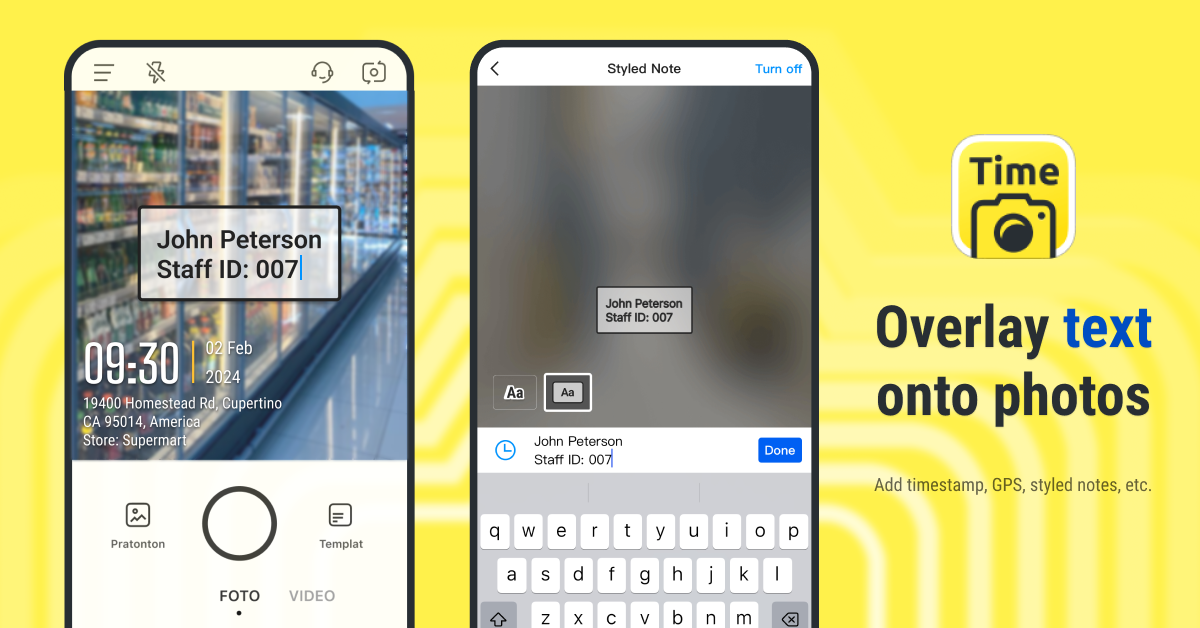
Timemark is a simple photo app designed for work teams. It lets users take photos and automatically adds the timestamp, gps location, and notes for each photo, so you always know when and where it was taken. You can share photos easily in reports like PDF, Excel, or KMZ, making it simple to show progress to your team or clients.
Unlike some other apps, Timemark cannot be changed—the time and location are locked, so your photos are real and trustworthy. Timemark also automatically sorts photos by project, worker, time, and place, saving you from manual organization.
Timemark is perfect for construction crews, field workers, inspection teams, and anyone who needs daily records. It’s easy to use, costs less than some other tools, and gives you photos you can rely on for proof, reports, or project tracking.
Cons:
Procore is a tool for construction teams that helps manage projects all in one place. Teams can store photos, drawings, plans, and notes, so everyone knows what is happening on the job site. Photos show real progress, and notes and plans keep the team on the same page.
Procore also includes project management features, like task tracking, scheduling, and team communication, which makes it more than just a photo app. Some teams use Procore as a replacement for CompanyCam when they need both photos and project management tools.
One unique feature of Procore is that it combines project tracking with photo documentation, so you can see progress and manage work at the same time. However, it can be more complex and costly than simple photo apps, and teams only needing photos might find it heavier than necessary.
Procore is best for construction crews, project managers, and field teams who want to track work, share updates, and keep all project information in one place.
Fieldwire helps workers on job sites stay organized and up to date. Teams can view construction plans, check tasks, and track progress right from their phones or tablets. Workers can take photos, add notes, and mark issues, so everyone knows what is happening on site. Photos make it easy to show progress, document problems, and share updates with the team.
One of Fieldwire’s unique features is that it combines task management with photo documentation, so you can see who is responsible for each task while also tracking what has been done. Teams can also share plans and photos instantly, which helps small crews stay coordinated even when they are spread across different locations.
However, Fieldwire can sometimes feel more complex than simple photo apps, and teams that only need photos may find the extra task management features unnecessary.
Fieldwire is best for small to medium construction teams, field crews, and subcontractors who want to manage tasks and document work on the go, all in one app.
Pros:
Cons:
Fieldwire offers flexible, tiered pricing:
OpenSpace uses cameras to automatically take site photos, including 360-degree images that show the whole job site. Teams can see what has changed over time, making it easy to track progress and spot issues. Every photo is linked to maps and building plans, so you can see exactly where each photo was taken and how it relates to the project.
A unique feature of OpenSpace is that it automates photo capture, so teams don’t need to manually take or organize photos. This makes it a good CompanyCam alternative for teams that want automatic site documentation.
However, OpenSpace can be more expensive and hardware-dependent, and teams that need a simple, flexible photo app might find it more than they need.
OpenSpace is best for construction teams, large projects, and field crews who want automatic, map-linked, 360° site photos for progress tracking and project verification.
OpenSpace keeps pricing flexible. They do not show fixed prices on their website. Costs can change depending on your project size. It also depends on how much 360° capture you need. Advanced analytics or enterprise reporting can affect the price too.
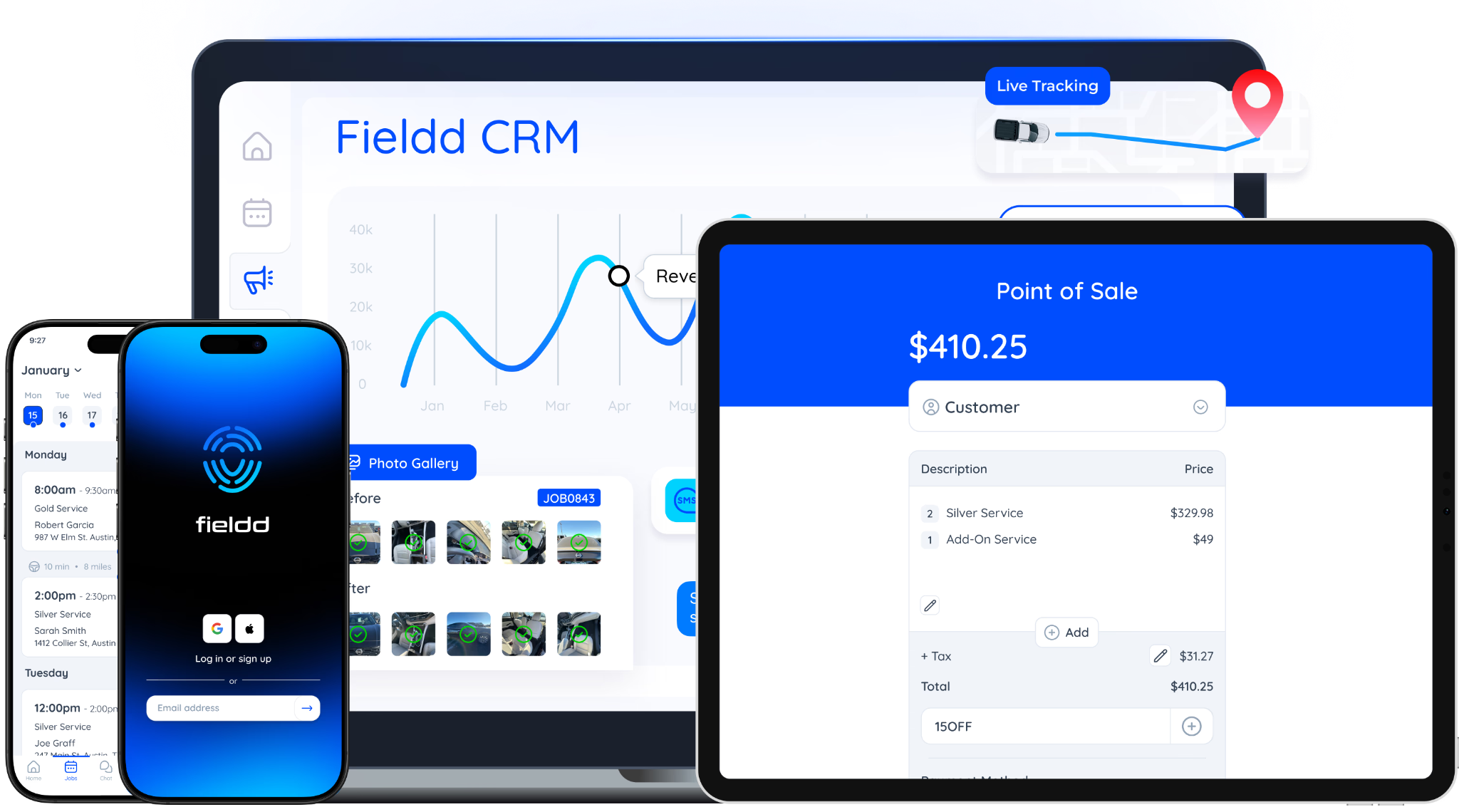
Fieldd helps field service teams stay organized and track their work. It can track jobs, assign workers, and collect photos from each job. Workers can upload photos and notes after completing a task, so managers can see what was done. Managers can check work results online, review progress, and make reports for clients or teams.
One unique feature of Fieldd is that it connects job tracking with photo documentation, giving managers a clear picture of both work status and evidence.It is simple and easy to use, a cost-effective option for teams needing a tool similar to CompanyCam for job and photo tracking.
However, Fieldd may lack advanced features like automated sorting, time/location verification, or detailed project reports, so teams needing more in-depth documentation might find it limited.
Fieldd is best for small to medium field service teams, contractors, or technicians who need a simple way to track jobs and photos, check progress, and share proof with clients.
Fieldd’s pricing is flat-rate (monthly) based on plan and number of users:
Timemark, Procore, Fieldwire, OpenSpace, and Fieldd all have useful tools to be companycam alternatives. Timemark makes photo management easy. Teams can work together in real time. Pricing is flexible. All of this is in one simple platform.
Make your workflow easier and stay in control of jobsite photos. Download Timemark and start your free trial today!
Timemark is a good choice instead of CompanyCam.
It takes real photos that cannot be changed. It puts photos in the right project and with the right person and time automatically. This makes photos trustworthy and easy to use every day.
Some cheaper apps than CompanyCam let people change photo time or location.
Timemark keeps the time and location on every photo, so the photos are real and can be trusted.
Timemark is a simple, affordable CompanyCam alternative.
It takes real photos, sorts them by project and time, and lets you share reports you can trust.
Raken helps with reports and photos, but people can change photos and you must sort them yourself.
Timemark keeps the time and place on every photo, sorts them automatically, and lets you make PDF, Excel, or KMZ reports.
It’s an easy, affordable CompanyCam alternative that gives photos you can trust.
Timemark is a jobsite photo documentation app with timestamp, GPS geotag, and on-site notes. With Teamspace, field teams can automatically collect, organize, search, and export job photos across projects.
Timemark empowers construction, field service, telecom, and transportation teams to capture verifiable job photos to prevent disputes, support claims, and ensure project transparency. Timemark makes job photos trusted, organized, report-ready, and searchable.
Say goodbye to manual photo uploads, messy email attachments, and lost photos. Keep your job photos organized.



.svg)