
Under the U.S. Department of Energy (DOE) Home Energy Rebates Program (HEAR), contractors and inspectors must submit geotagged photos that clearly prove where and when the installation work took place.
Sounds simple. But the requirements are not just about snapping a photo on-site. According to the DOE guidance, each image must include embedded GPS coordinates and a valid timestamp in the metadata. These requirements are critical because the photos serve as primary evidence that rebates were earned through real, on-site improvements.
According to DOE and PNNL photo collection guidance, teams are advised to:
On paper, this sounds reasonable. In real life, it often goes wrong.
When you take a photo using a regular phone camera, the GPS data lives inside the EXIF metadata.
But that data is fragile. It can be stripped out easily when:
Once this happens, the geo photo data is gone.
No photo location. No proof.
DOE guidance clearly notes that some devices and operating systems may prevent the transfer of geotagged metadata.
When this happens, programs may ask for:
This adds days or even weeks to the approval process.
When HVAC contractors manage multiple projects, confirming photo compliance becomes a manual burden. Reviewers need to dig into hidden EXIF metadata and cross-check each photo’s time and GPS coordinates against job records.
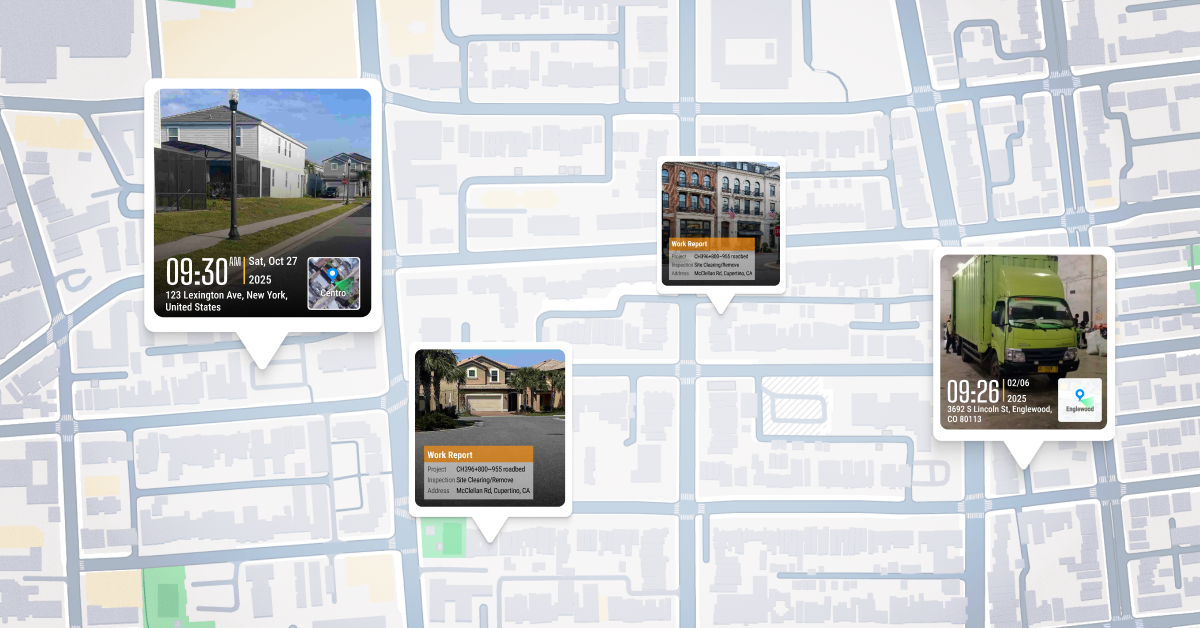
Additionally, sorting through dozens of images to figure out which photo belongs to which home or unit is slow, error-prone, and hard to scale.
This is where Timemark changes everything.
Instead of hoping metadata survives, Timemark builds compliance into the photo itself.

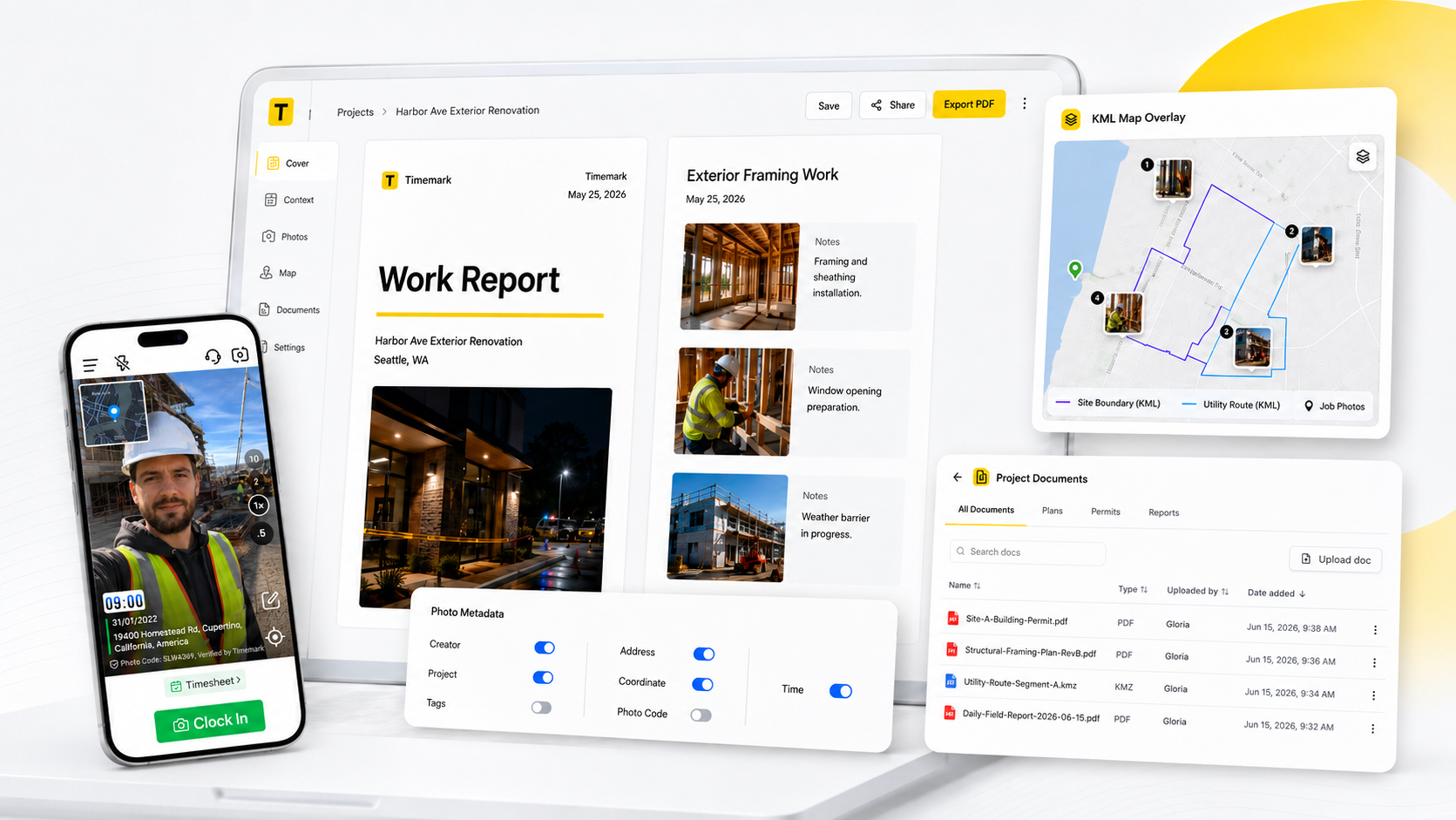
With Timemark, field teams can capture geo photos that are ready to submit. Timemark automatically captures:
Using Timemark to capture geotagged photos is designed to be "stupidly easy" for field crews. Here's a 3-step quick start guide:
This video shows how Timemark captures and organizes geotagged photos in action step by step.
Timemark helps teams create:
That means:
If your team works with rebates, inspections, or audits, photo errors are not small mistakes, they are delays.
Timemark turns complex DOE photo rules into clean, trusted evidence.
And that keeps your projects moving.
Timemark is a jobsite photo documentation app with timestamp, GPS geotag, and on-site notes. With Teamspace, field teams can automatically collect, organize, search, and export job photos across projects.
Timemark empowers construction, field service, telecom, and transportation teams to capture verifiable job photos to prevent disputes, support claims, and ensure project transparency. Timemark makes job photos trusted, organized, report-ready, and searchable.
Say goodbye to manual photo uploads, messy email attachments, and lost photos. Keep your job photos organized.



.svg)